Helps answer arrival/departure questions without constant messaging.
← All modules REAL MODULES, REAL WORKFLOWS
Family Map
Supports family coordination through optional live location, timed sharing, shared places, boundaries and safe-zone notifications.
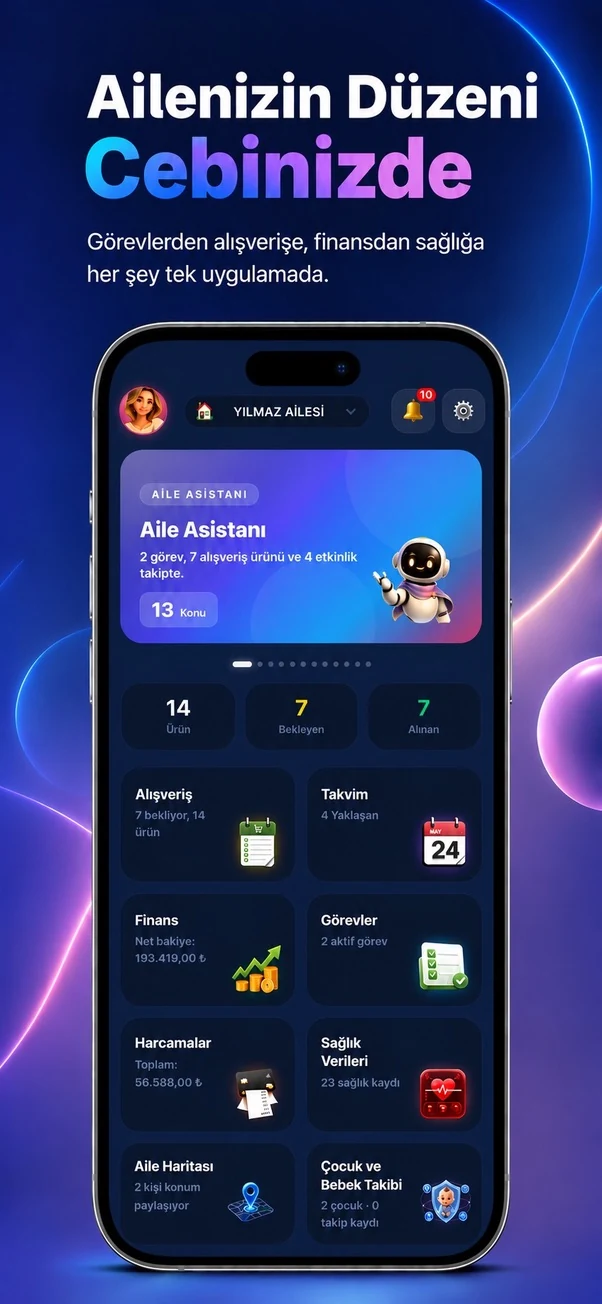
✓ Canlı
0 Reklam
Which real-life problems does it solve?
Family Map
Supports family coordination through optional live location, timed sharing, shared places, boundaries and safe-zone notifications.
Notifies the family when a sharing member enters or leaves a chosen area.
Supports meeting, travel and emergency coordination from one map.
01
What is actually included?
Open a module to see the real-life problems it solves, its verified features, usage steps and practical family scenarios.
- ✓Latest and live member locations
- ✓Location sharing on/off
- ✓Timed-sharing options
- ✓Location history
- ✓Create and edit shared places
- ✓Geographic boundaries
- ✓Safe zones
- ✓Arrival and departure notifications
- ✓Meeting point
- ✓Send and end SOS
- ✓Movement analysis
- ✓Live location through SSE
- ✓Permanent deletion of the user’s own location history
- ✓15-day location-history limit
02
How to use it
What will you do in this step?
- 01
Enable location only when needed or choose timed sharing.
- 02
Add a shared place such as home, school, work, market or care center.
- 03
Define a boundary or safe-zone radius.
- 04
Enable arrival/departure notifications.
- 05
Use meeting-point or SOS tools when required.
- 06
Delete your own history from privacy settings when desired.
03
Everyday scenarios
Which real-life problems does it solve?
Child arrived at school
With location sharing on, entering the school safe zone triggers an arrival notification.
Partner left work
A departure notification indicates that the return journey has started.
Hairdresser visit ended
Leaving a saved shared place shows that the visit is complete.
Arrived at the market
When the market arrival notification appears, the shared shopping list is ready to review.
Older relative at a clinic
Entering a hospital or clinic zone keeps the family informed.
Meet in a crowded area
A meeting point gives everyone the same destination.
Emergency
SOS information can be sent to the family and ended when the situation is over.
i
Location tools work only while sharing is enabled and device/operating-system permission is available. Family Planner is not an emergency or professional security service.
04
Module screens
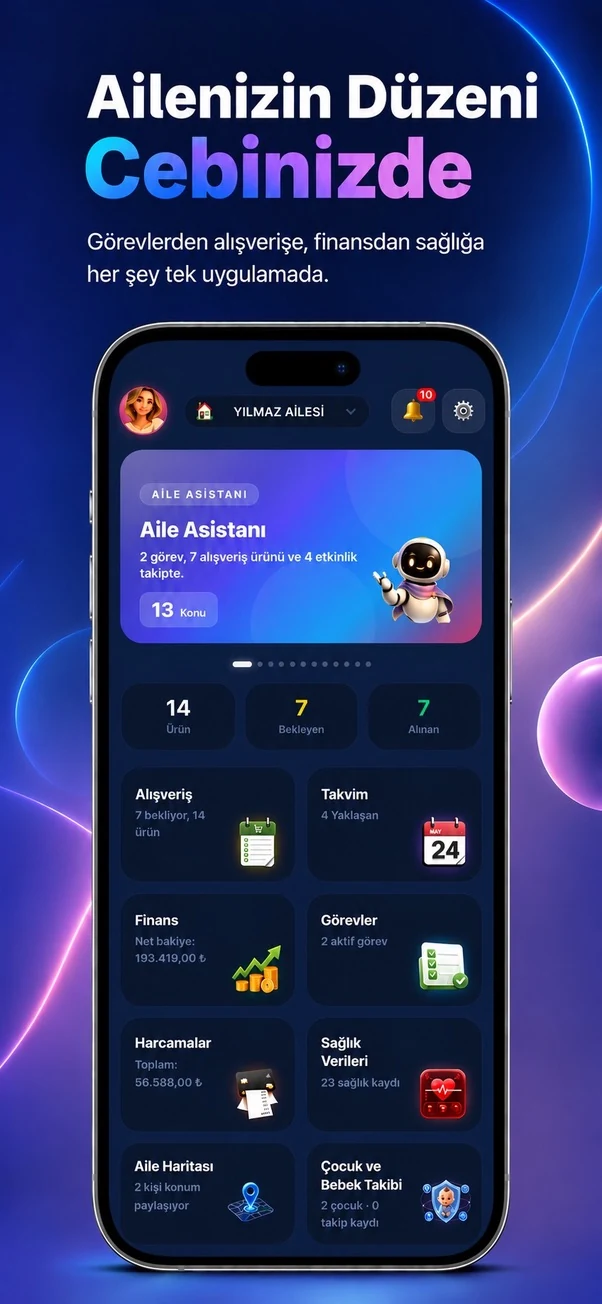
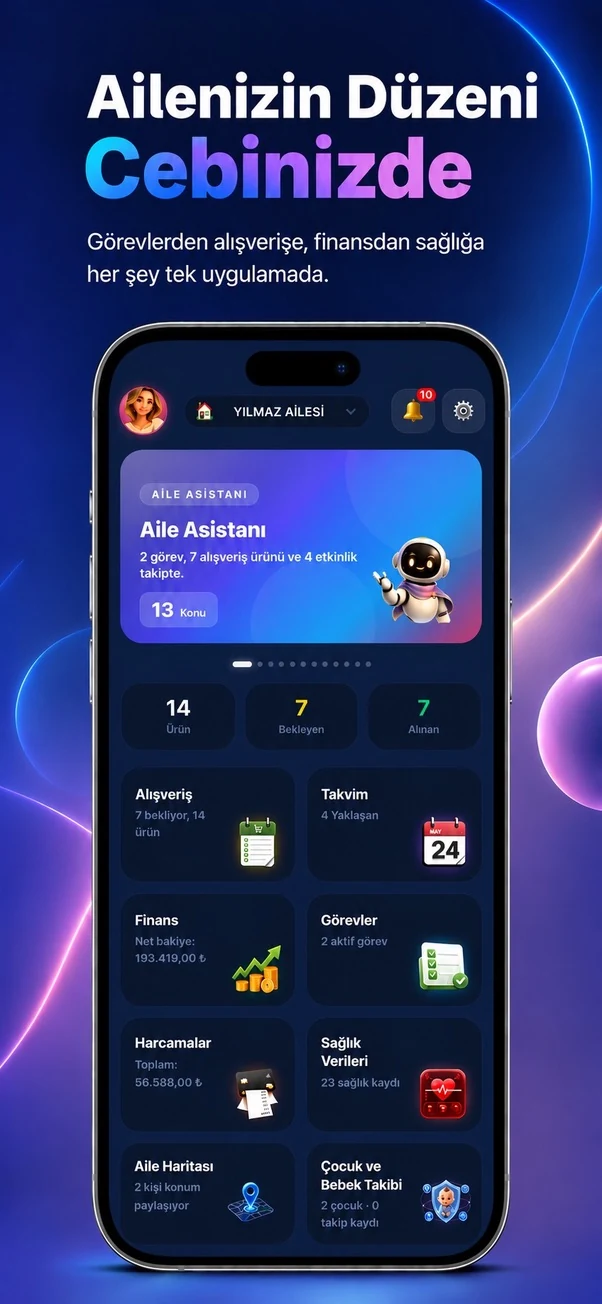
Temporary sample screen — replace with the real module image
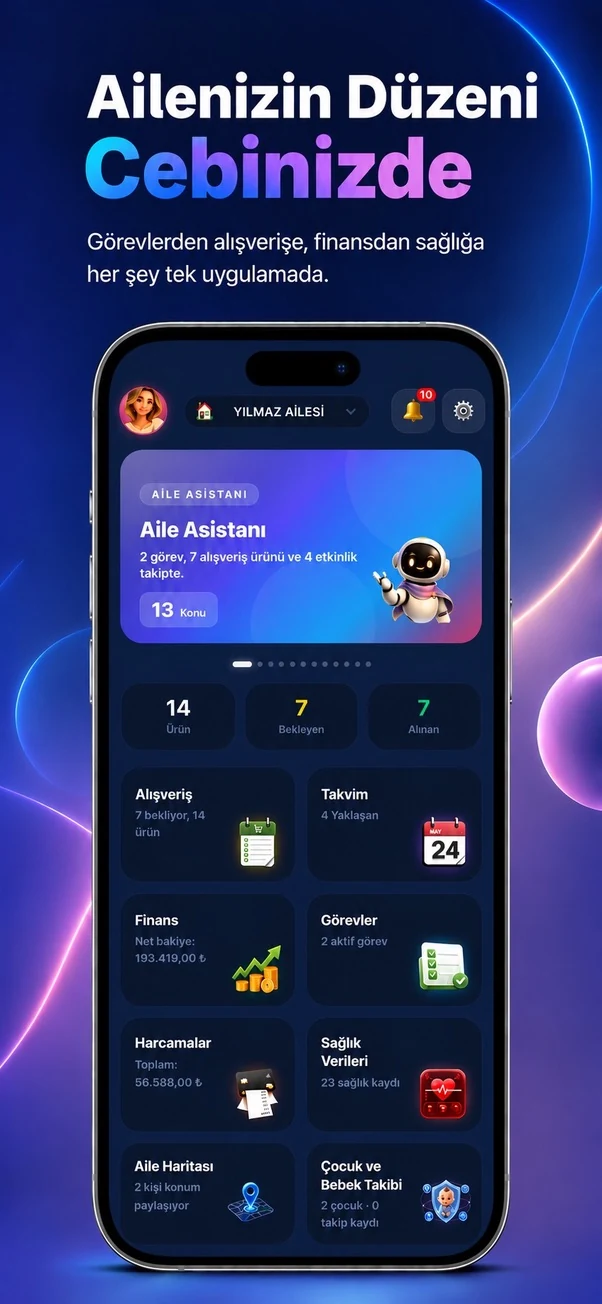



Start using this module with your family
Every Family Planner module works with the same account and shared family workspace.