
Prevents important files from being scattered across phones and messages.
← All modules REAL MODULES, REAL WORKFLOWS
Documents
Organizes IDs, insurance, reports and important family files by owner, category, version and expiration date.
✓ Canlı
0 Reklam
Which real-life problems does it solve?
Documents
Organizes IDs, insurance, reports and important family files by owner, category, version and expiration date.
Makes renewal timing visible before expiration.
Clarifies which version is current and who uploaded it.
01
What is actually included?
Open a module to see the real-life problems it solves, its verified features, usage steps and practical family scenarios.
- ✓Shared family document vault
- ✓Document name and category
- ✓Owner
- ✓Uploader
- ✓Expiration date
- ✓Upload
- ✓View
- ✓Update
- ✓Delete
- ✓Versions
- ✓Upcoming-expiration indicator
- ✓Expired-document indicator
- ✓Expiration reminders
- ✓Link health records to documents
02
How to use it
What will you do in this step?
- 01
Upload the document in the appropriate category.
- 02
Choose owner and expiration date.
- 03
View it from the vault or update it with a new version.
- 04
Configure an expiration reminder.
- 05
Delete it when no longer needed and permitted.
03
Everyday scenarios
Which real-life problems does it solve?
Passport renewal
A reminder appears before the expiration date.
Health report
The file is linked to a health record and stored in the vault.
Insurance document
The current version remains available to authorized family members.
04
Module screens
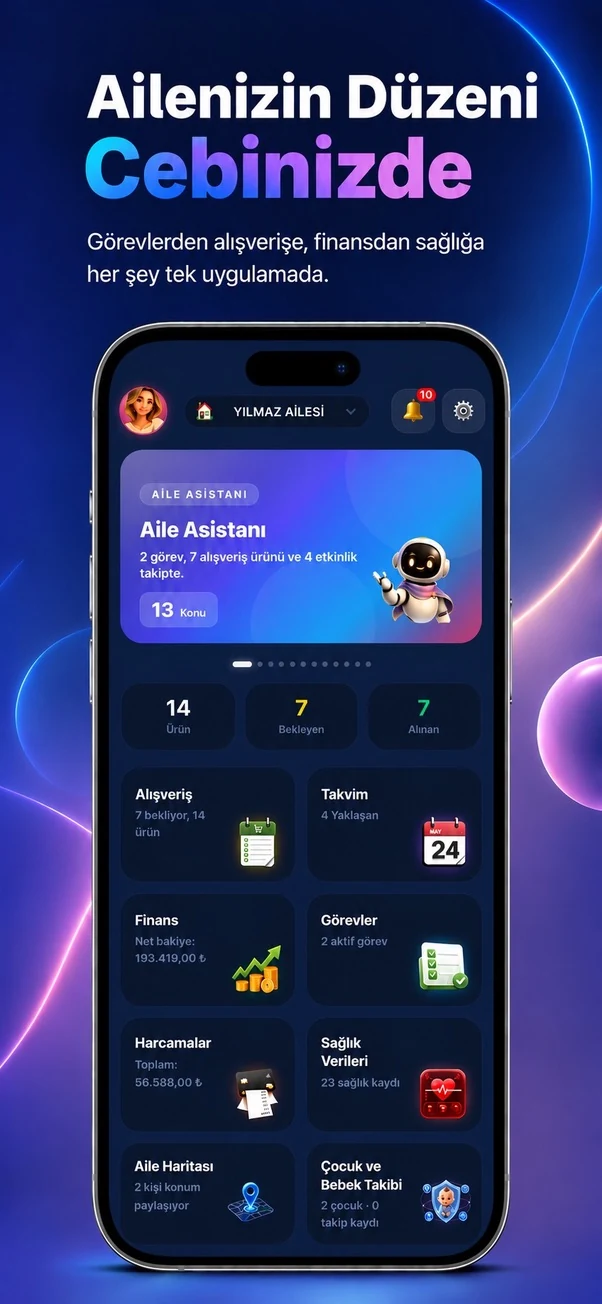
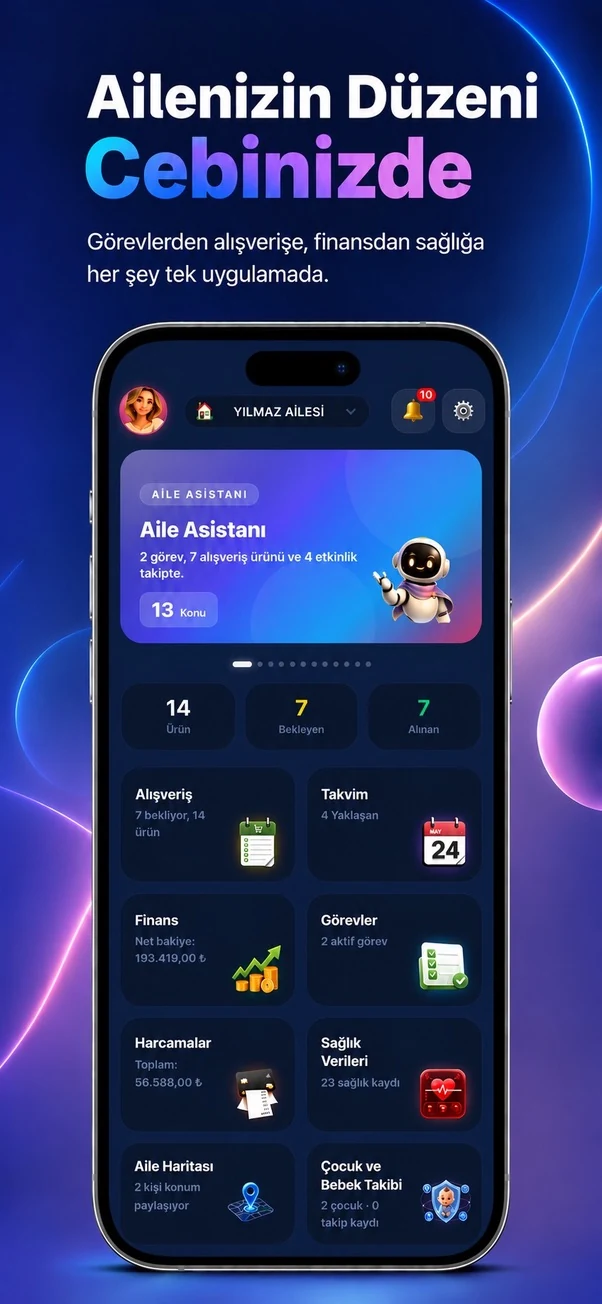
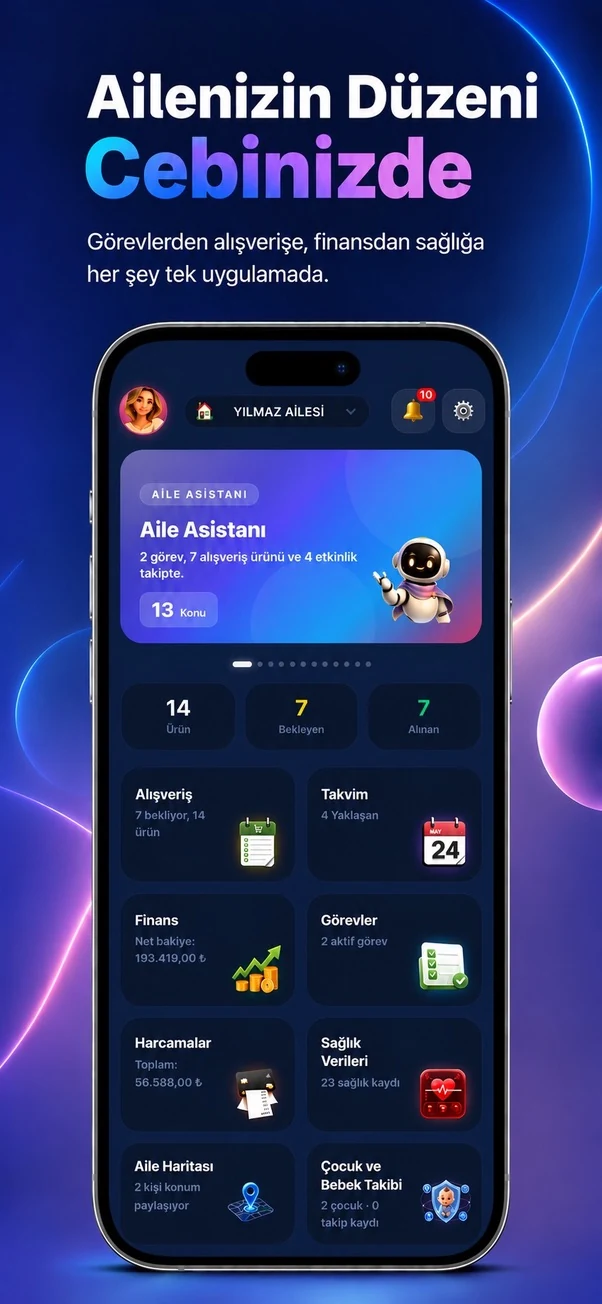
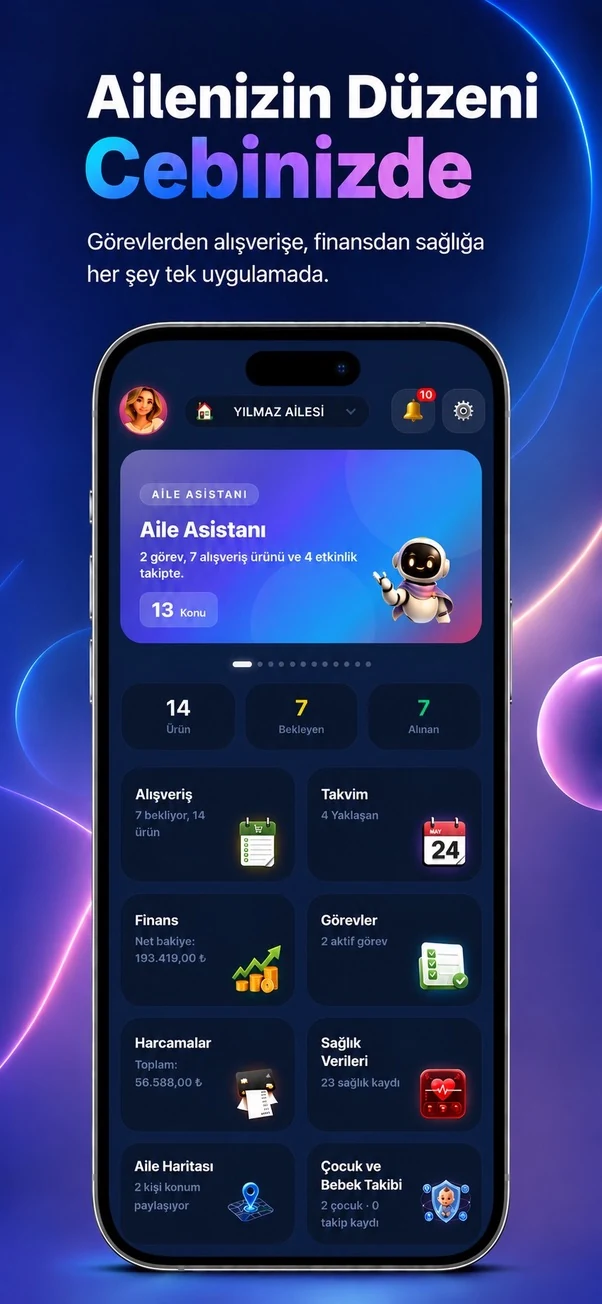
Temporary sample screen — replace with the real module image



Start using this module with your family
Every Family Planner module works with the same account and shared family workspace.