Reduces searching in each module to learn what changed.
← All modules REAL MODULES, REAL WORKFLOWS
Family Activity Feed
Collects important family actions in chronological order with new activity, search and period statistics.
✓ Canlı
0 Reklam
Which real-life problems does it solve?
Family Activity Feed
Collects important family actions in chronological order with new activity, search and period statistics.
Makes new and unread family actions visible.
Shows where and by whom the family workspace is most active.
01
What is actually included?
Open a module to see the real-life problems it solves, its verified features, usage steps and practical family scenarios.
- ✓Live feed of important family actions
- ✓Today
- ✓Yesterday
- ✓This week
- ✓Older activity
- ✓Search
- ✓Unread/new indicator
- ✓Most active family member
- ✓Period statistics
- ✓Module information and related-record navigation
02
How to use it
What will you do in this step?
- 01
Open Activity Feed.
- 02
Review new and unread activity.
- 03
Search for a person or action.
- 04
Open the related module from the activity.
- 05
Use period statistics to understand family use.
03
Everyday scenarios
Which real-life problems does it solve?
Shopping completed
The family can see who purchased an item.
Task updated
Completion or deletion appears in the feed.
Busy week
The most active member and module appear in the period statistics.
04
Module screens
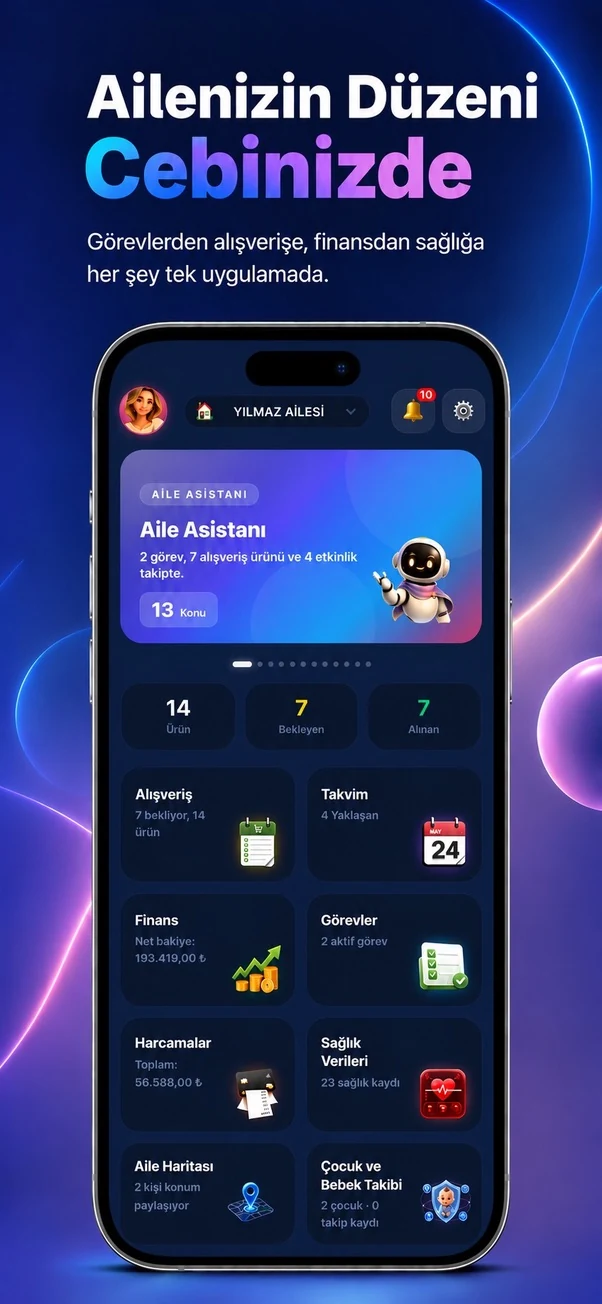
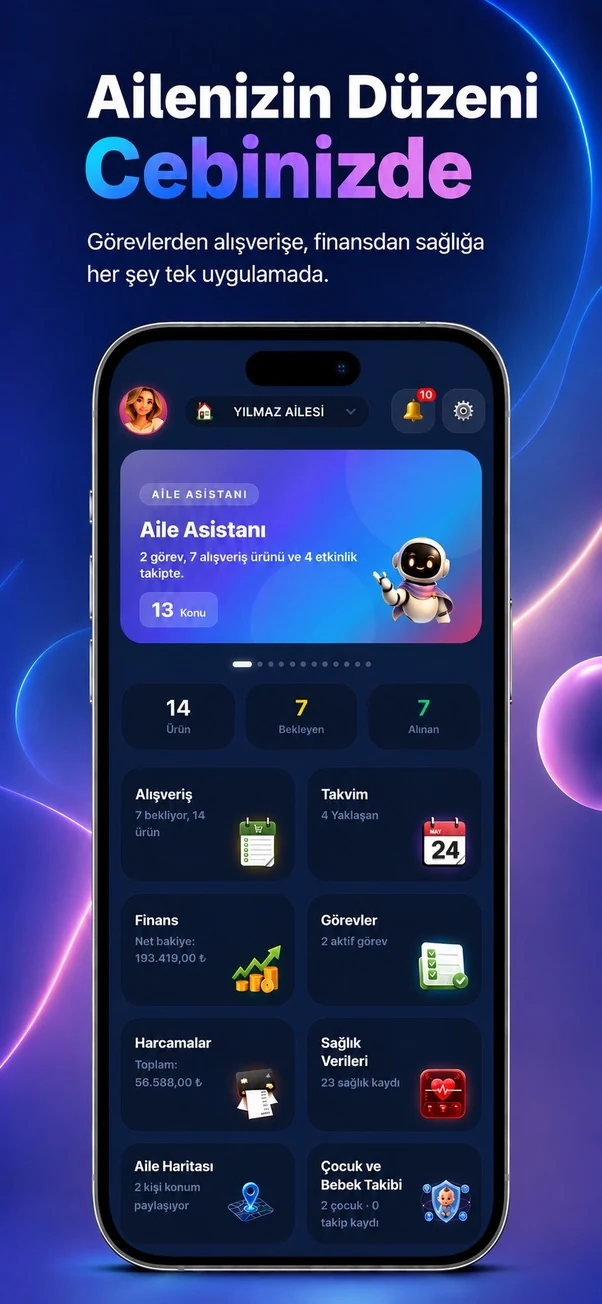
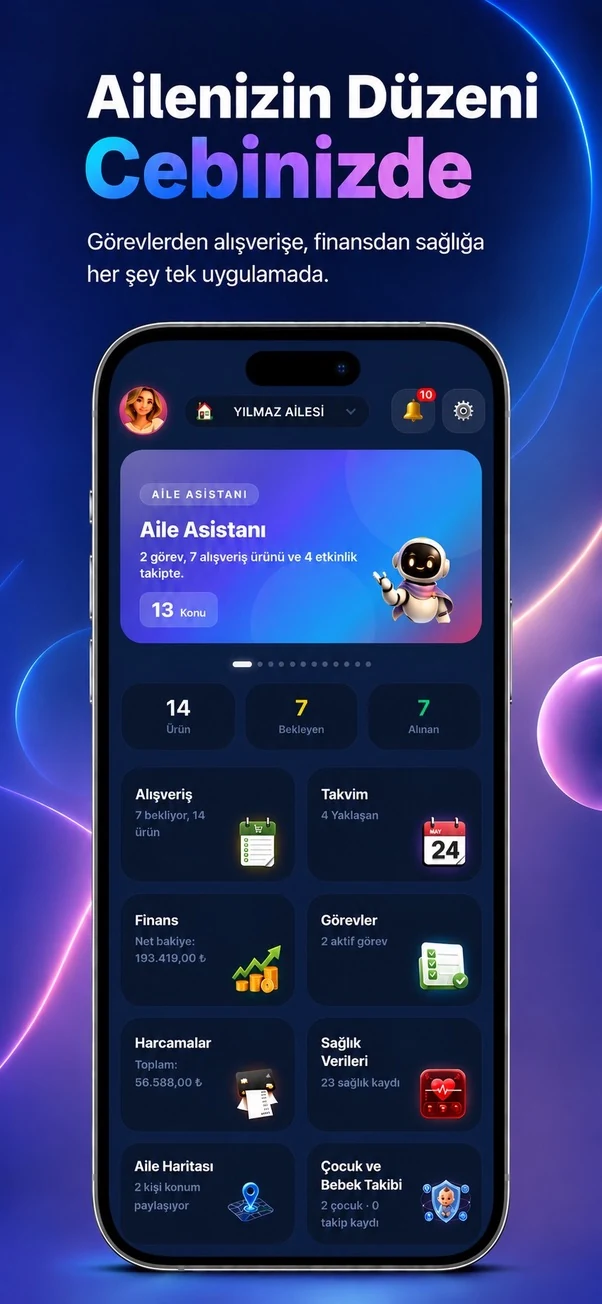
Temporary sample screen — replace with the real module image


Start using this module with your family
Every Family Planner module works with the same account and shared family workspace.