
Reduces the need to search through separate modules for important records.
← All modules REAL MODULES, REAL WORKFLOWS
Family Assistant
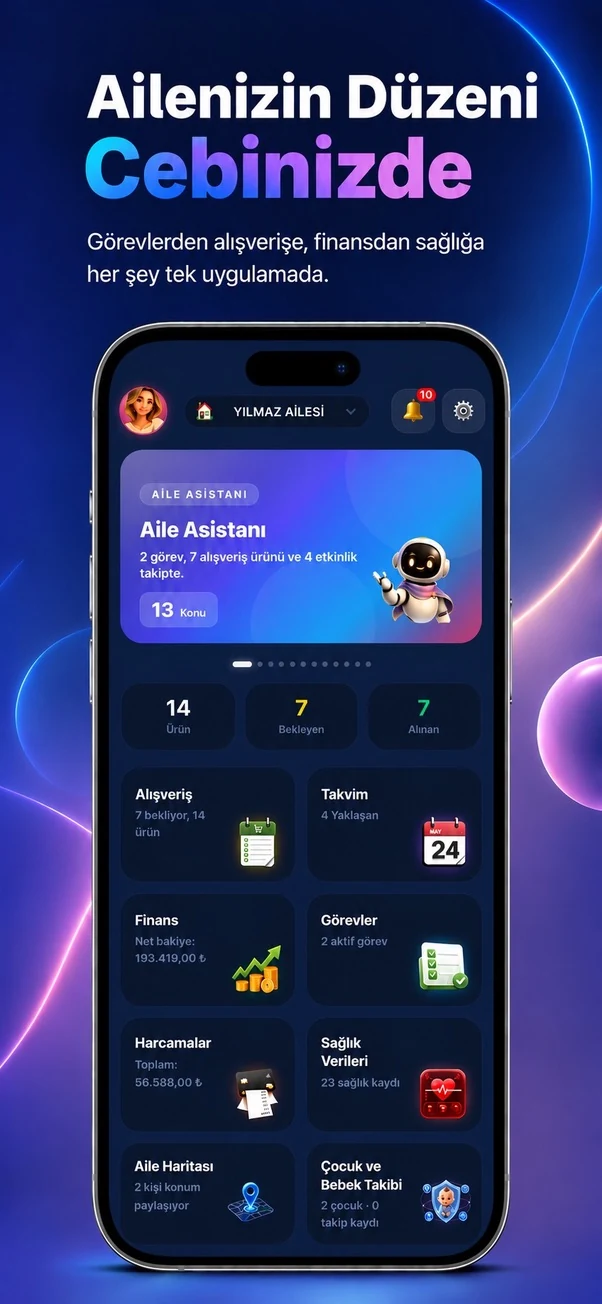
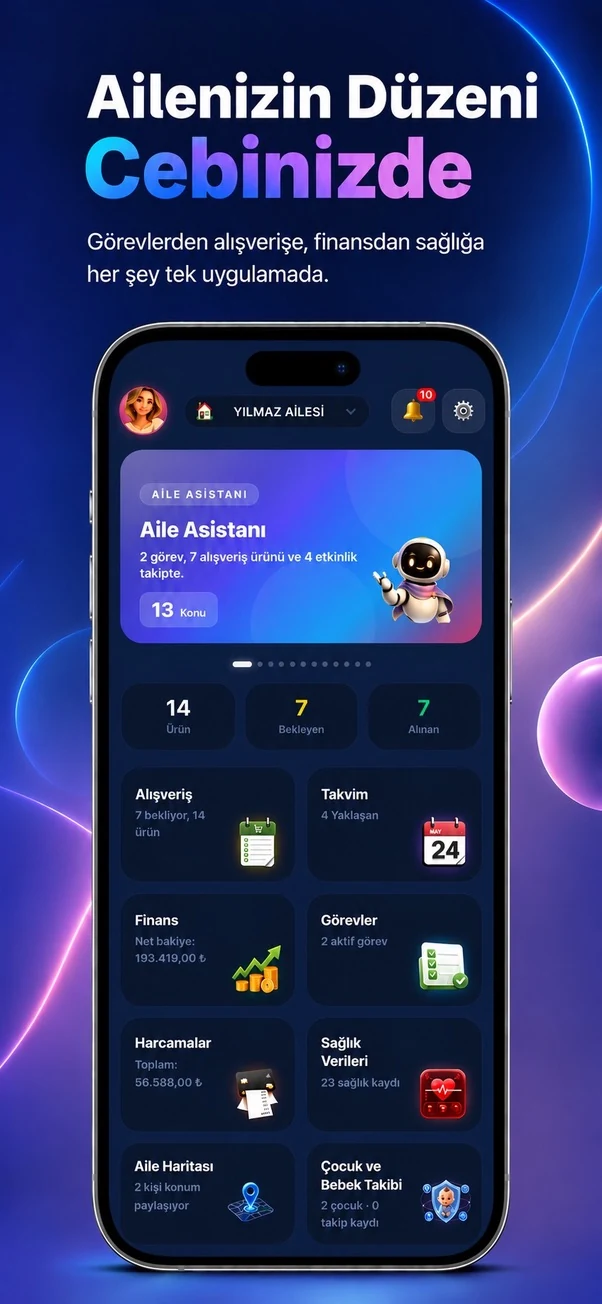
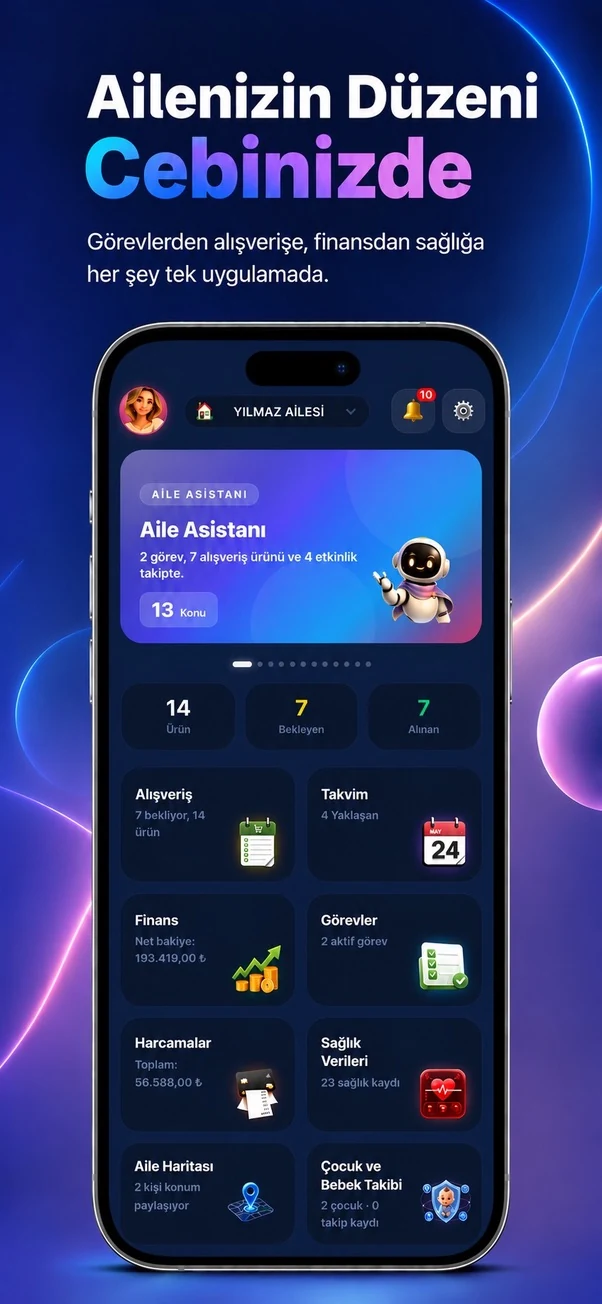
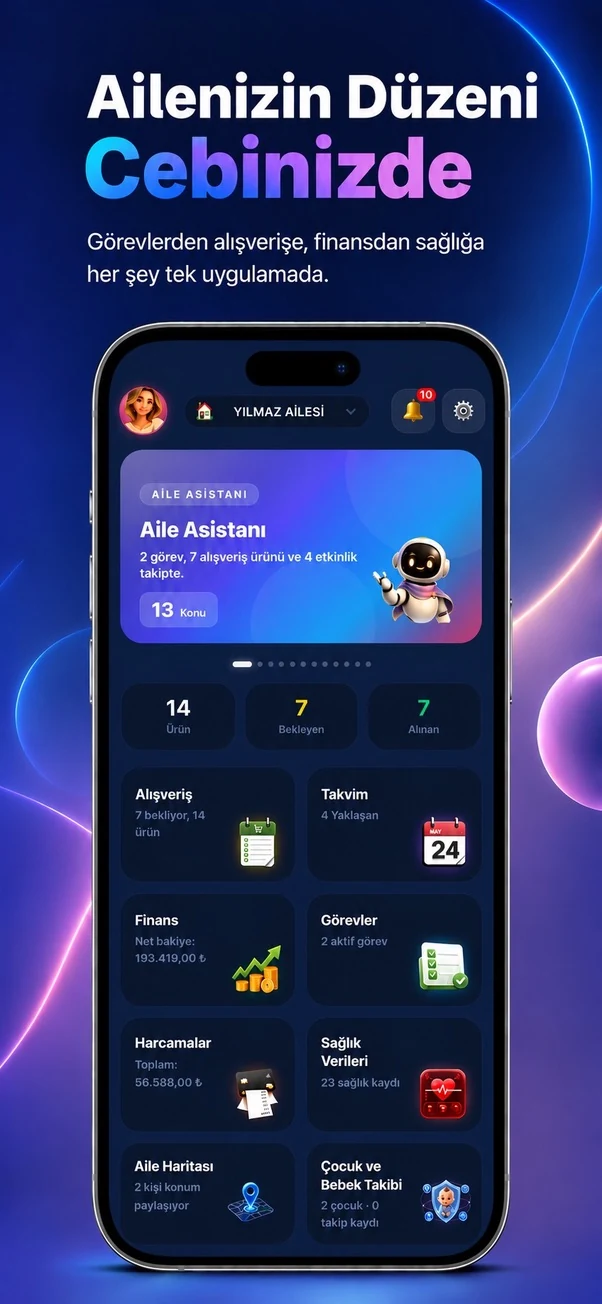
Summarizes the family agenda across modules, making priorities, the family organization score and practical recommendations visible on one screen.
✓ Canlı
0 Reklam
Which real-life problems does it solve?
Family Assistant
Summarizes the family agenda across modules, making priorities, the family organization score and practical recommendations visible on one screen.
Surfaces overdue tasks, upcoming events and pending shopping items at a glance.
Helps every family member understand the current family agenda more quickly.
01
What is actually included?
Open a module to see the real-life problems it solves, its verified features, usage steps and practical family scenarios.
- ✓Family organization score with an explanation
- ✓Priority items that need attention today
- ✓Overdue tasks and upcoming records
- ✓Calendar, task, shopping, finance, health and document summaries
- ✓Child, map, chat and notification metrics
- ✓Recommendation cards filtered by module
- ✓Cross-module suggestions built from family data
- ✓Last-updated time and manual refresh
02
How to use it
What will you do in this step?
- 01
Open the Family Assistant card or page.
- 02
Review priorities that need attention today or soon.
- 03
Choose a module filter in the recommendation area.
- 04
Open the related module and complete the required action.
03
Everyday scenarios
Which real-life problems does it solve?
Busy morning
A meeting, pending shopping and an overdue task appear together so the day can be planned quickly.
Month-end review
Finance summaries, approaching bills and subscription renewals can be reviewed together.
Health day
An upcoming appointment and its linked follow-up task are shown in the same agenda.
04
Module screens
Temporary sample screen — replace with the real module image



Start using this module with your family
Every Family Planner module works with the same account and shared family workspace.