Reduces uncertainty about who is responsible for an action.
← All modules REAL MODULES, REAL WORKFLOWS
Tasks
Organizes chores, school documents, care work and family responsibilities by assignee, due date and priority.
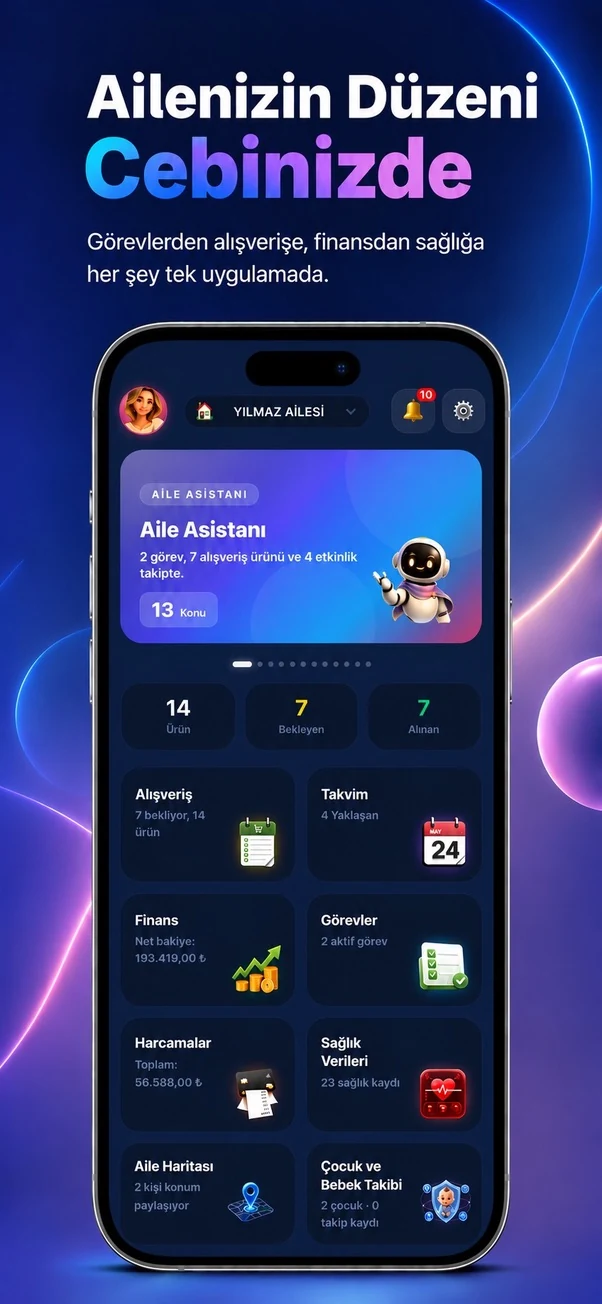
✓ Canlı
0 Reklam
Which real-life problems does it solve?
Tasks
Organizes chores, school documents, care work and family responsibilities by assignee, due date and priority.
Makes overdue and due-today work visible.
Helps distribute family responsibilities more fairly.
01
What is actually included?
Open a module to see the real-life problems it solves, its verified features, usage steps and practical family scenarios.
- ✓Task title and detailed description
- ✓Assign to one or more people
- ✓Due date
- ✓Category
- ✓Priority
- ✓All filter
- ✓Assigned-to-me filter
- ✓Overdue filter
- ✓Completed filter
- ✓Complete a task
- ✓Delete a task
- ✓Task reminder
- ✓Create a follow-up task from a health appointment
02
How to use it
What will you do in this step?
- 01
Create a new task.
- 02
Enter its description, category, priority and due date.
- 03
Assign one or more family members.
- 04
Choose a reminder time if needed.
- 05
Mark it complete and use filters to review progress.
03
Everyday scenarios
Which real-life problems does it solve?
School paperwork
A permission form is assigned to a parent with a deadline.
Home routine
Bills, rubbish and shopping are distributed among family members.
After an appointment
A prescription pickup or test-result follow-up task is created from the health record.
04
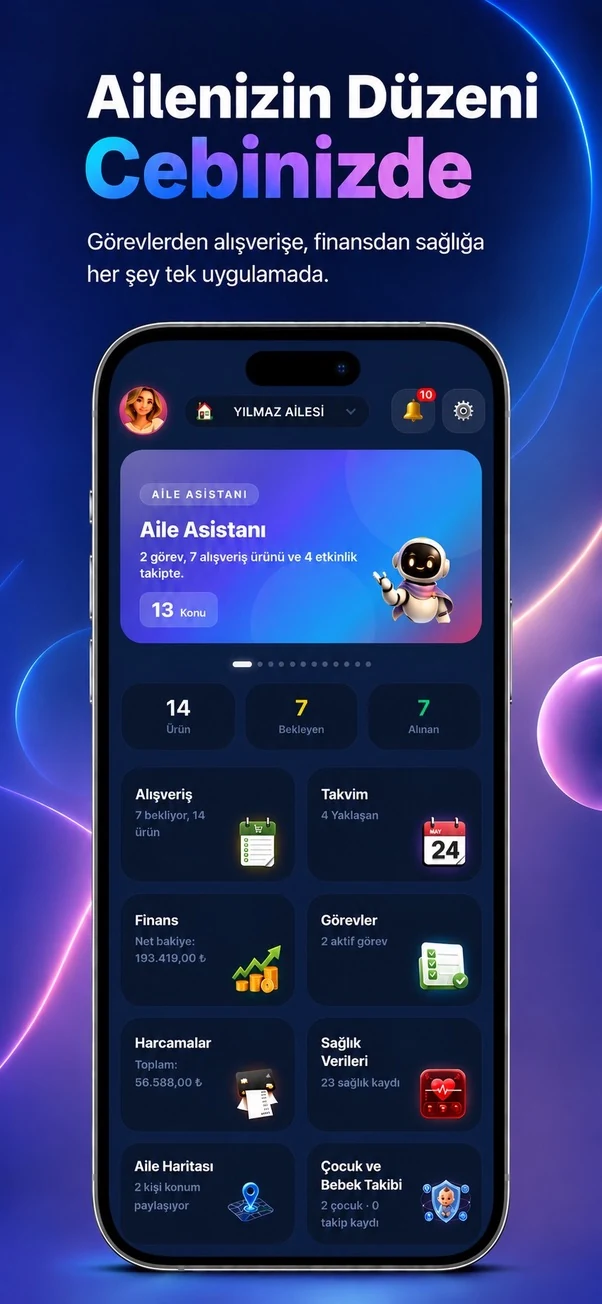
Module screens
Temporary sample screen — replace with the real module image
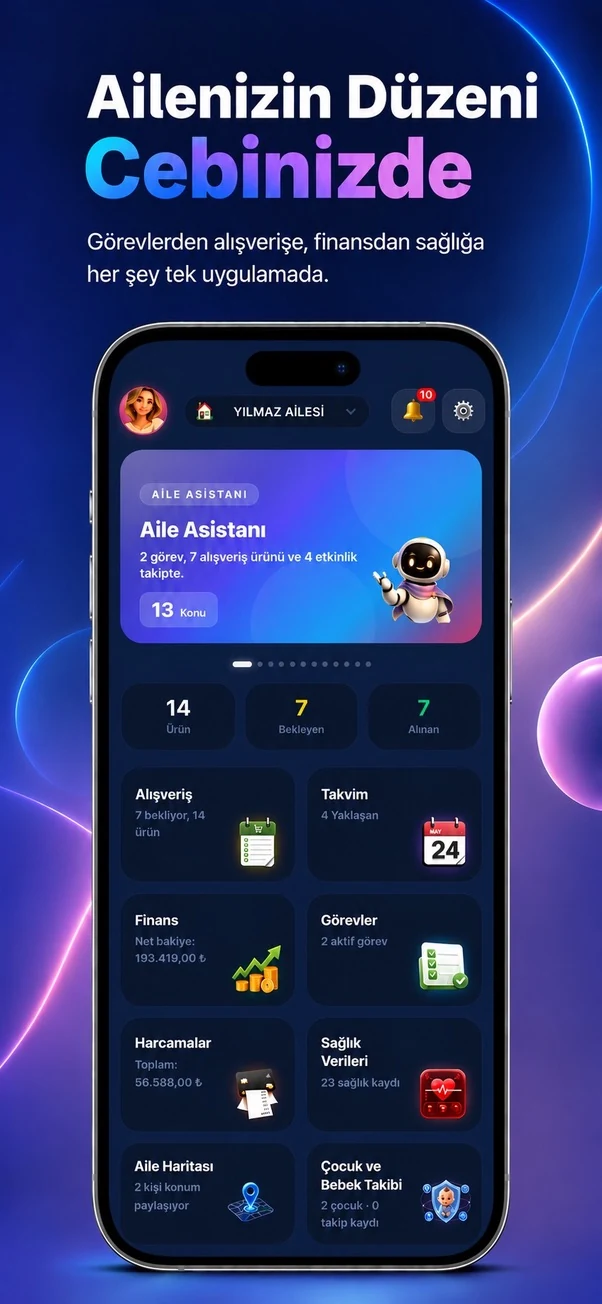


Start using this module with your family
Every Family Planner module works with the same account and shared family workspace.