Prevents every family member from needing the same permissions.
← All modules REAL MODULES, REAL WORKFLOWS
Family Management
Manages members, invitations, roles, page/action permissions, notifications and personal application preferences.
✓ Canlı
0 Reklam
Which real-life problems does it solve?
Family Management
Manages members, invitations, roles, page/action permissions, notifications and personal application preferences.
Lets new members join through a controlled invitation code.
Keeps theme, notifications and default-page preferences together.
01
What is actually included?
Open a module to see the real-life problems it solves, its verified features, usage steps and practical family scenarios.
- ✓Create a family
- ✓Join by invitation code
- ✓Switch between multiple families
- ✓Family name, icon and color
- ✓Family-member role
- ✓Profile role
- ✓Page permissions
- ✓Action permissions
- ✓Administrator controls
- ✓Remove member
- ✓Transfer administrator
- ✓Password reset
- ✓Premium status and limits
- ✓Family notifications
- ✓Notification categories
- ✓Quiet hours
- ✓Default start page
- ✓Light/dark theme
- ✓Profile and avatar
- ✓Data export
- ✓Delete location history
- ✓Delete account
- ✓Restart the guided tour
02
How to use it
What will you do in this step?
- 01
Create an account and complete email verification.
- 02
Create a family or join with an invitation code.
- 03
Configure member roles and permissions.
- 04
Set notifications, quiet hours, theme and default page.
- 05
Manage export and deletion from privacy settings.
03
Everyday scenarios
Which real-life problems does it solve?
Child account
Only required pages are enabled while finance or administration is restricted.
New member
An invitation code brings the person into the existing family workspace.
Multiple families
A user switches between their own family and another family they support.
Administrator change
The administrator role is transferred before the current administrator leaves.
04
Module screens
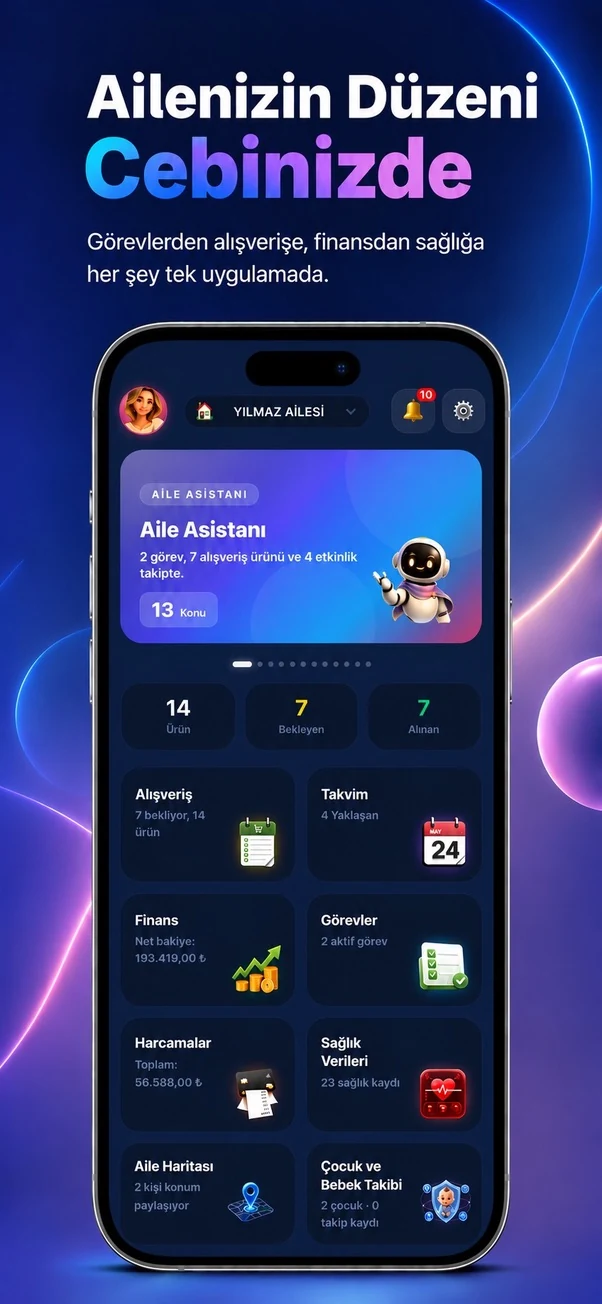
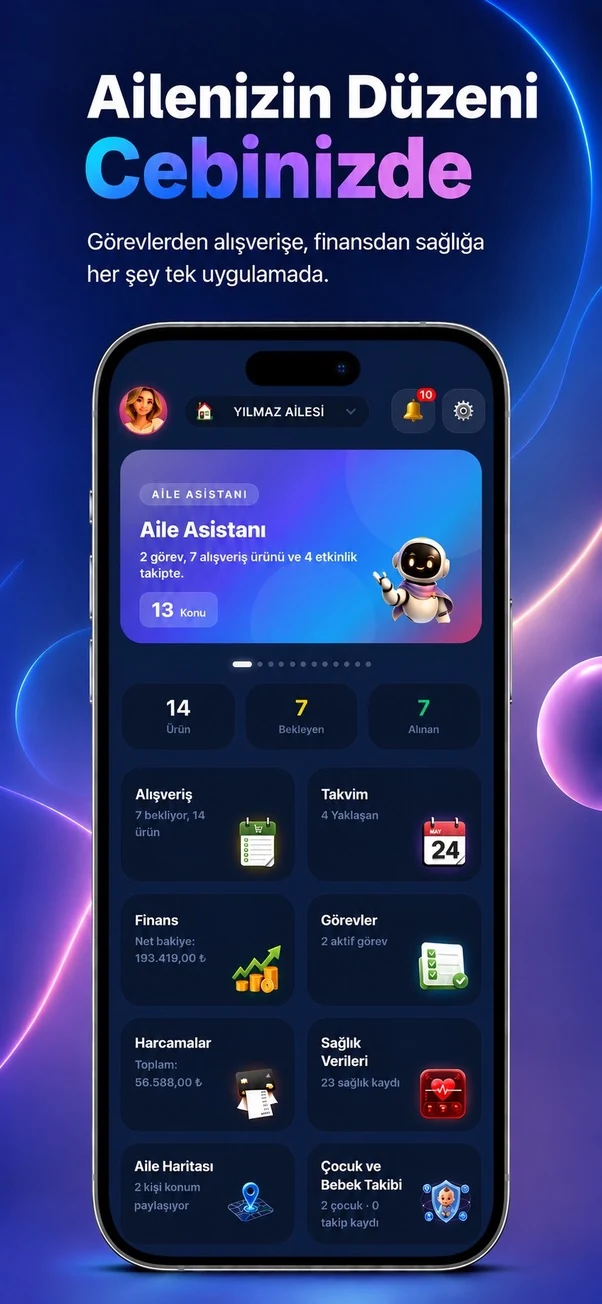
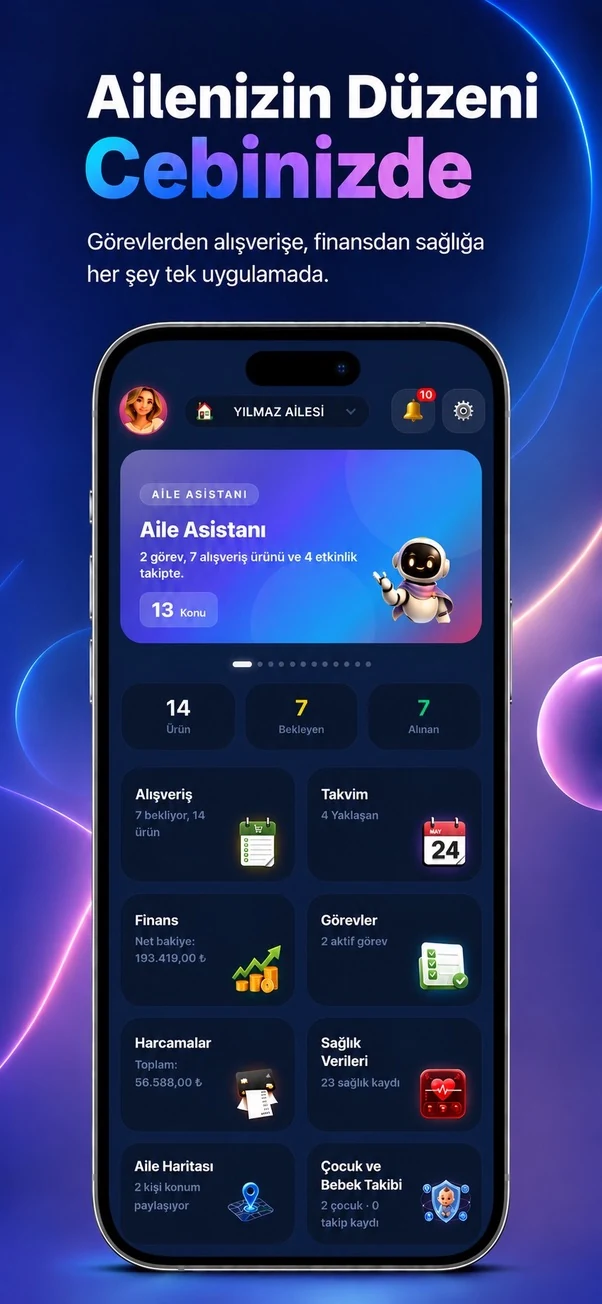
Temporary sample screen — replace with the real module image
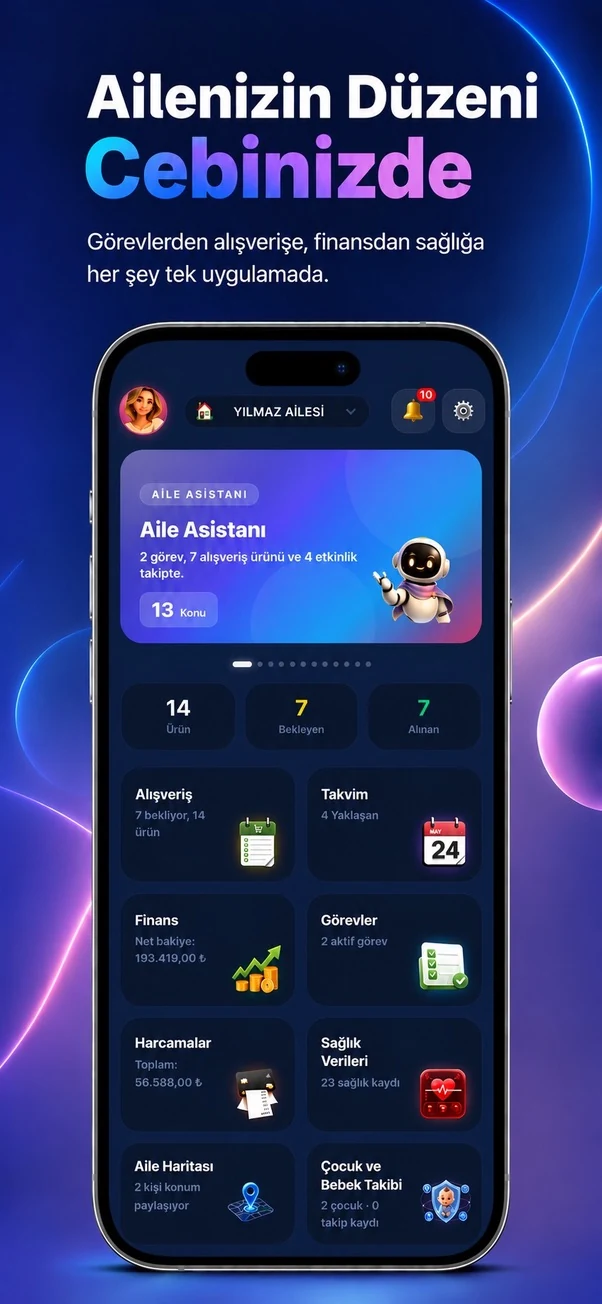



Start using this module with your family
Every Family Planner module works with the same account and shared family workspace.