Reduces family information getting lost in general chat apps.
← All modules REAL MODULES, REAL WORKFLOWS
Family Chat
Organizes conversations into rooms and turns messages into tasks, shopping items or events while supporting media and documents.
✓ Canlı
0 Reklam
Which real-life problems does it solve?
Family Chat
Organizes conversations into rooms and turns messages into tasks, shopping items or events while supporting media and documents.
Avoids rewriting an agreed action into another module.
Separates family topics into focused rooms.
01
What is actually included?
Open a module to see the real-life problems it solves, its verified features, usage steps and practical family scenarios.
- ✓Multiple chat rooms
- ✓Group and private chat
- ✓Room name, avatar, members and settings
- ✓Text messages
- ✓Photo, video, voice, file and document sharing
- ✓Reply
- ✓Edit and delete message
- ✓Reactions
- ✓Pinned message
- ✓Message search
- ✓Read status
- ✓Create task from chat
- ✓Add shopping item from chat
- ✓Create calendar event from chat
- ✓Share and vote on a menu suggestion
- ✓Media history
- ✓Automatic gallery-save control
- ✓Expired-media information
02
How to use it
What will you do in this step?
- 01
Open a family or private room.
- 02
Send text, media, voice, file or document.
- 03
Reply, react or pin an important message.
- 04
Use the action menu to create a task, shopping item or event.
- 05
Find older content through search and media history.
03
Everyday scenarios
Which real-life problems does it solve?
“Can you buy milk?”
The message becomes a shopping item without entering it again.
“Family dinner Friday at 7”
The message becomes a calendar event with selected members.
Document exchange
A file shared in chat can be associated with the document vault where relevant.
Menu vote
A meal suggestion is shared and family members vote.
04
Module screens
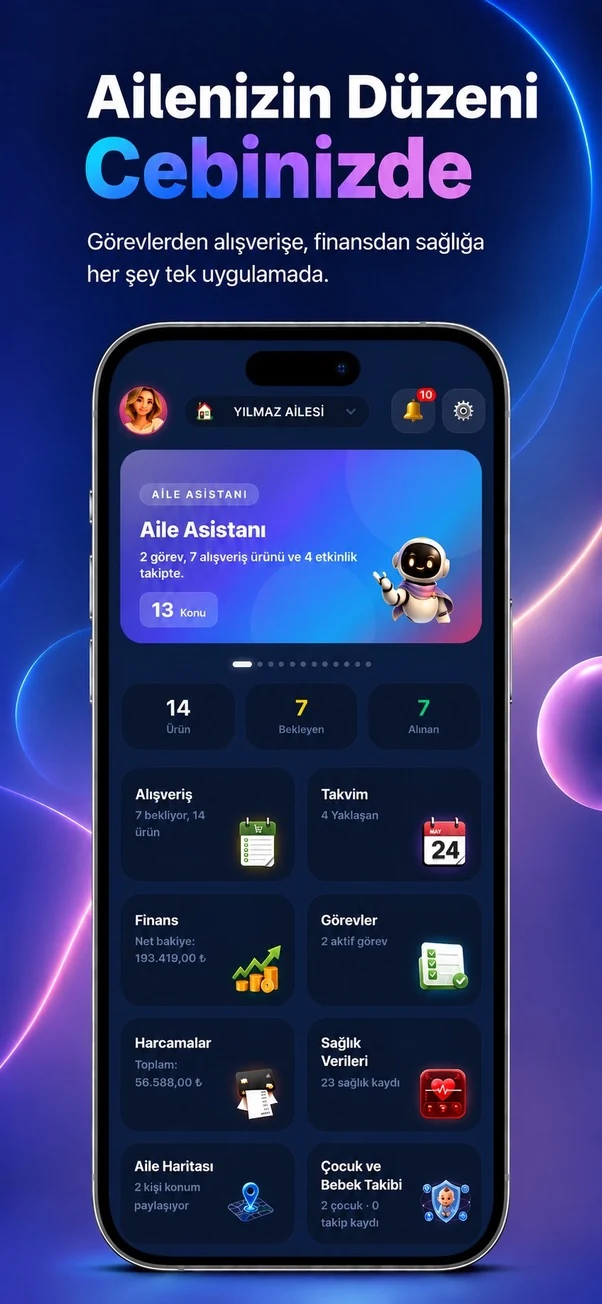
Temporary sample screen — replace with the real module image
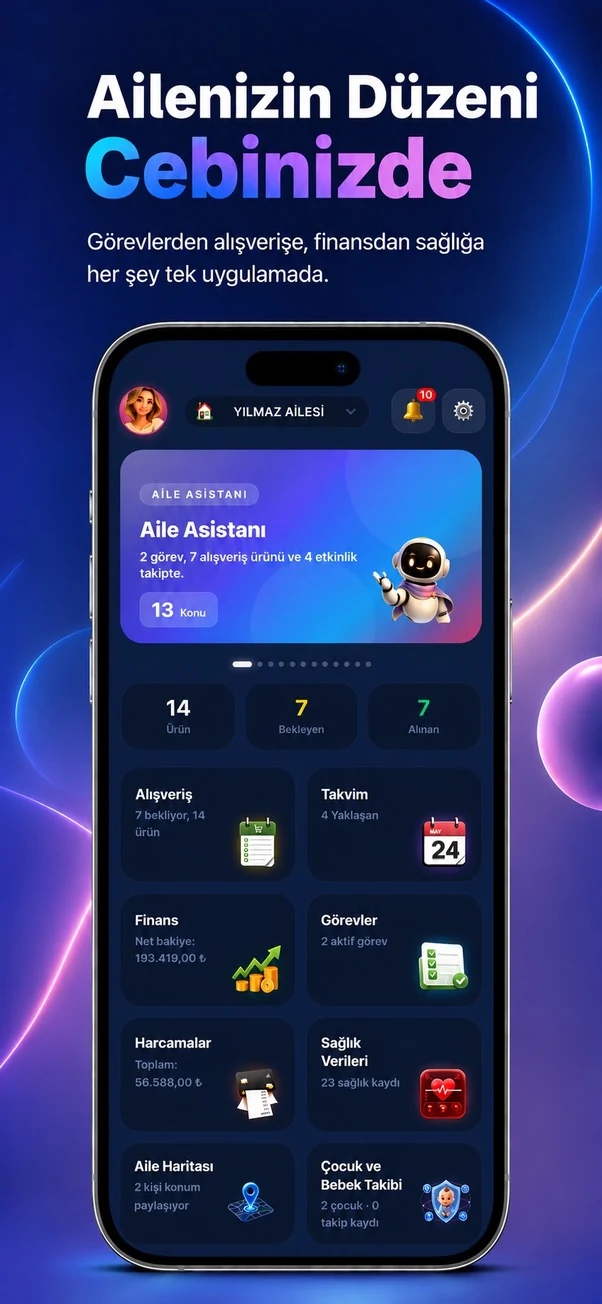



Start using this module with your family
Every Family Planner module works with the same account and shared family workspace.