← Set up your family workspace in minutes04STEP-BY-STEP START
Stay aligned together
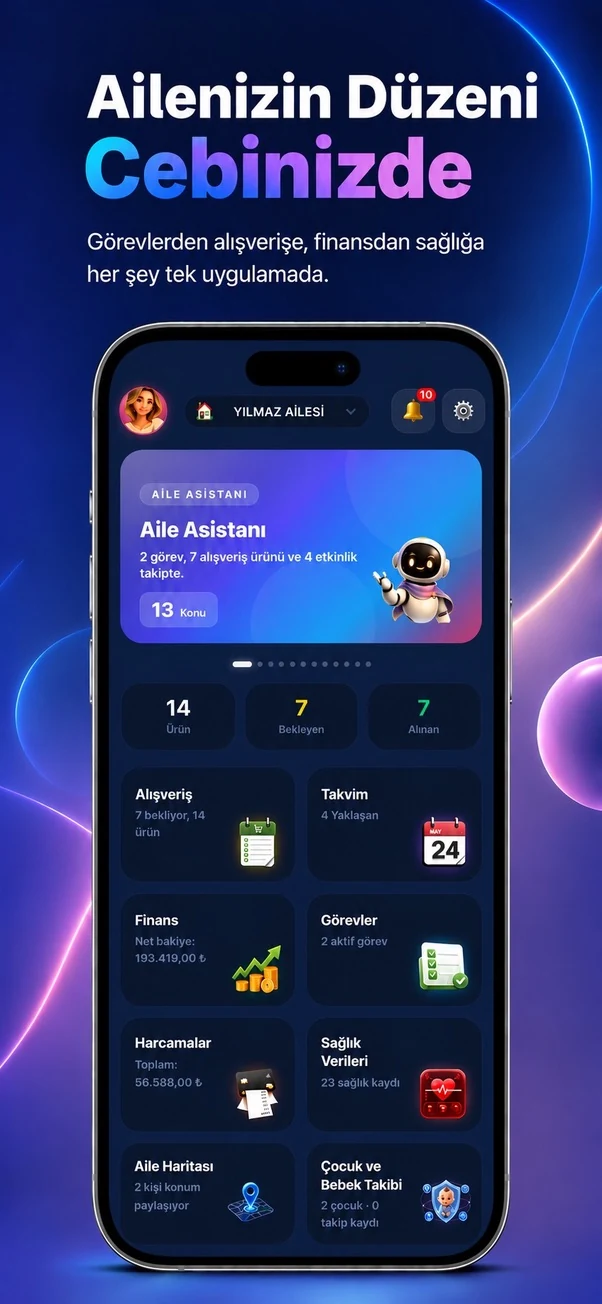
Use live sync, reminders, family notifications and connected modules so everyone sees the same current plan.
01
What will you do in this step?
Use live sync, reminders, family notifications and connected modules so everyone sees the same current plan.
- 01
Shared agenda
Assign calendar, task and shopping records to the right people.
- 02
Live updates
Follow changes in the active family workspace without reinstalling or rebuilding the app.
- 03
Reminders
Use notifications for events, tasks, bills, medication, documents and other time-sensitive records.
- 04
Activity feed
Review family changes through date groups, search and new-item indicators.
- 05
Connected workflows
Turn a chat message into a task, shopping item or calendar event.
02
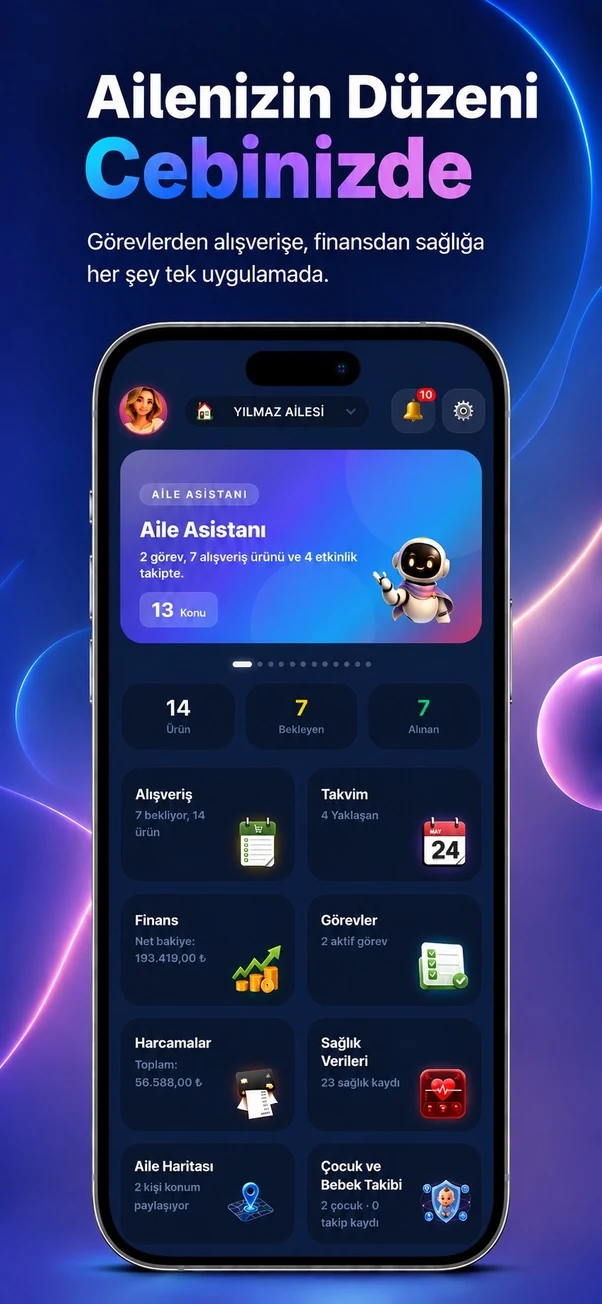
Step screens
Temporary sample screen — replace with the real module image