← Set up your family workspace in minutes01STEP-BY-STEP START
Create your account
Complete your personal details, family profile and account information step by step to open your secure account.
01
What will you do in this step?
Complete your personal details, family profile and account information step by step to open your secure account.
- 01
Personal details
Enter your first name, last name, date of birth and gender.
- 02
Family profile
Choose a username and your role in the family. The phone number is optional and may contain a plus sign and digits.
- 03
Account details
Set a valid email address and a strong password.
- 04
Optional health details
Add blood group, height and weight only when useful; these can be updated later.
- 05
Legal consent
Review the Terms of Use and Privacy Policy links and provide the required consent.
- 06
Email verification
Activate the account through the verification link sent after registration.
02
Step screens
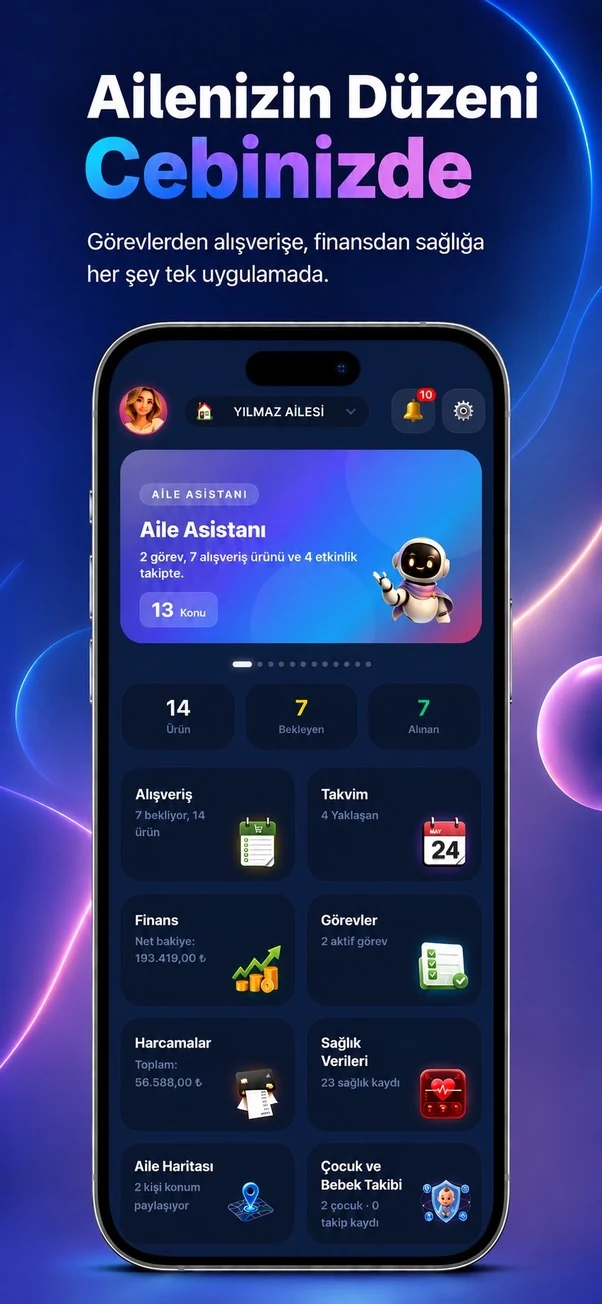
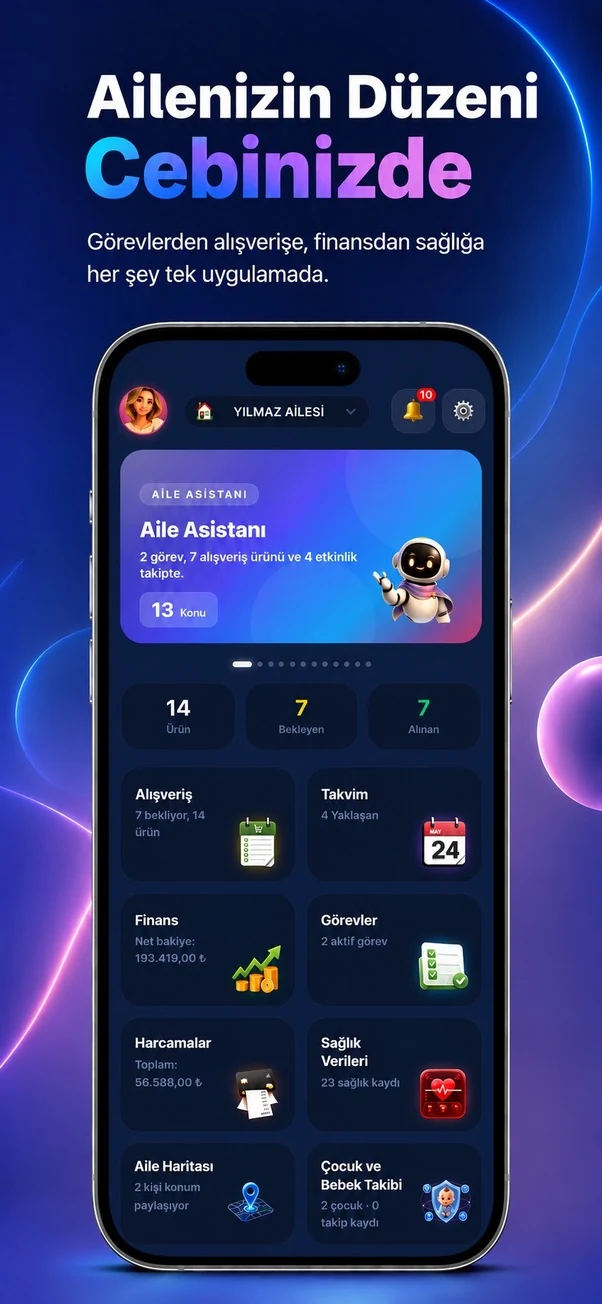
Temporary sample screen — replace with the real module image