← Set up your family workspace in minutes03STEP-BY-STEP START
Configure the modules
Tailor permissions, notifications, appearance and the default opening experience to the way your family works.
01
What will you do in this step?
Tailor permissions, notifications, appearance and the default opening experience to the way your family works.
- 01
Roles and permissions
Set page and action permissions for each member.
- 02
Notification preferences
Configure module categories, reminders and quiet hours.
- 03
Theme and start page
Choose light or dark mode and the default page shown at launch.
- 04
Location permissions
When using Family Map, grant device permission and enable sharing only when needed.
- 05
Personal spaces
Configure owner-only areas such as My Private Calendar through personal preferences.
02
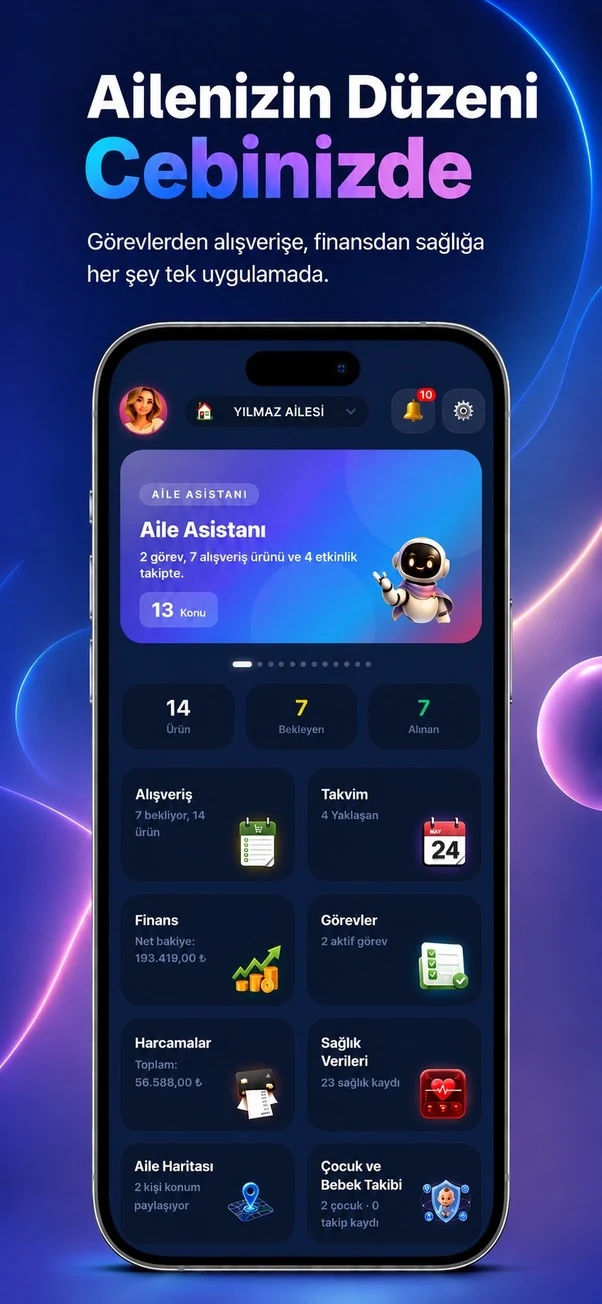
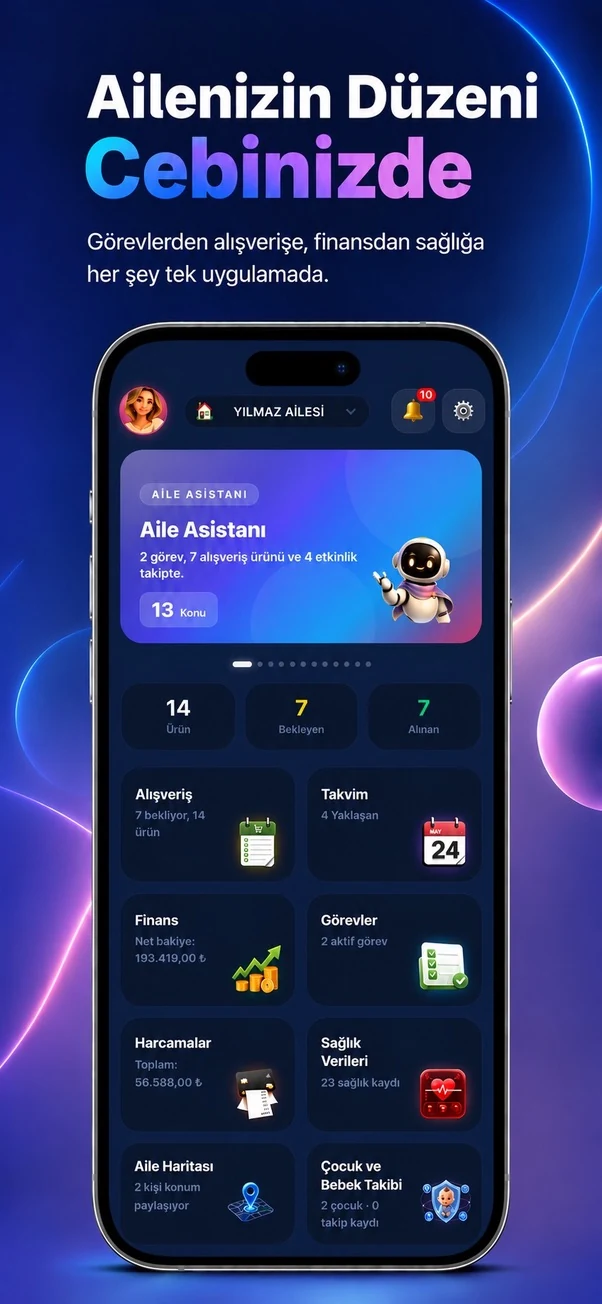
Step screens
Temporary sample screen — replace with the real module image